How to delete your account
If you no longer want a Recollect account, you can permanently delete it under Settings.
⚠️ Deleting an account deletes all notes and data and is irreversible. Deleted accounts cannot be restored. If you want a backup of your notes before your delete your account, you should export them.
Steps to permanently delete your account
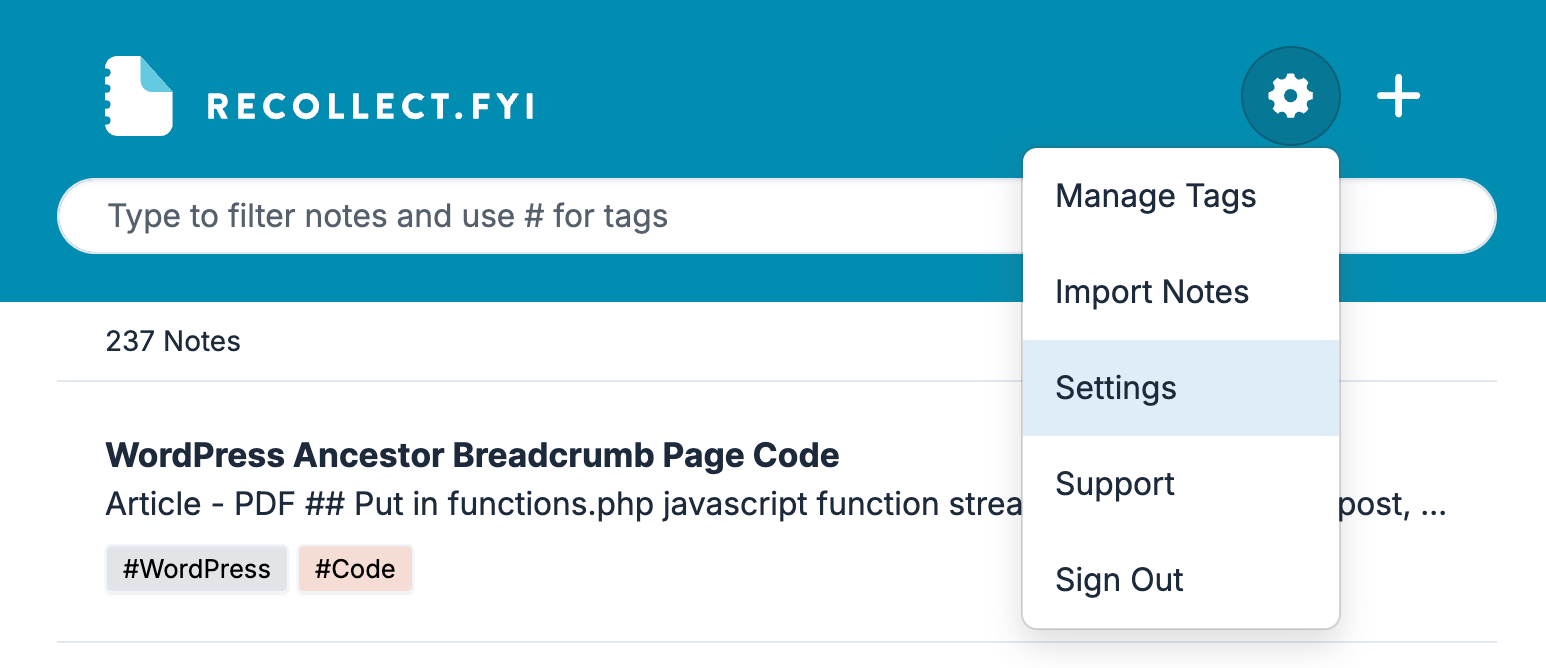
Click on the Gear icon and select Settings.
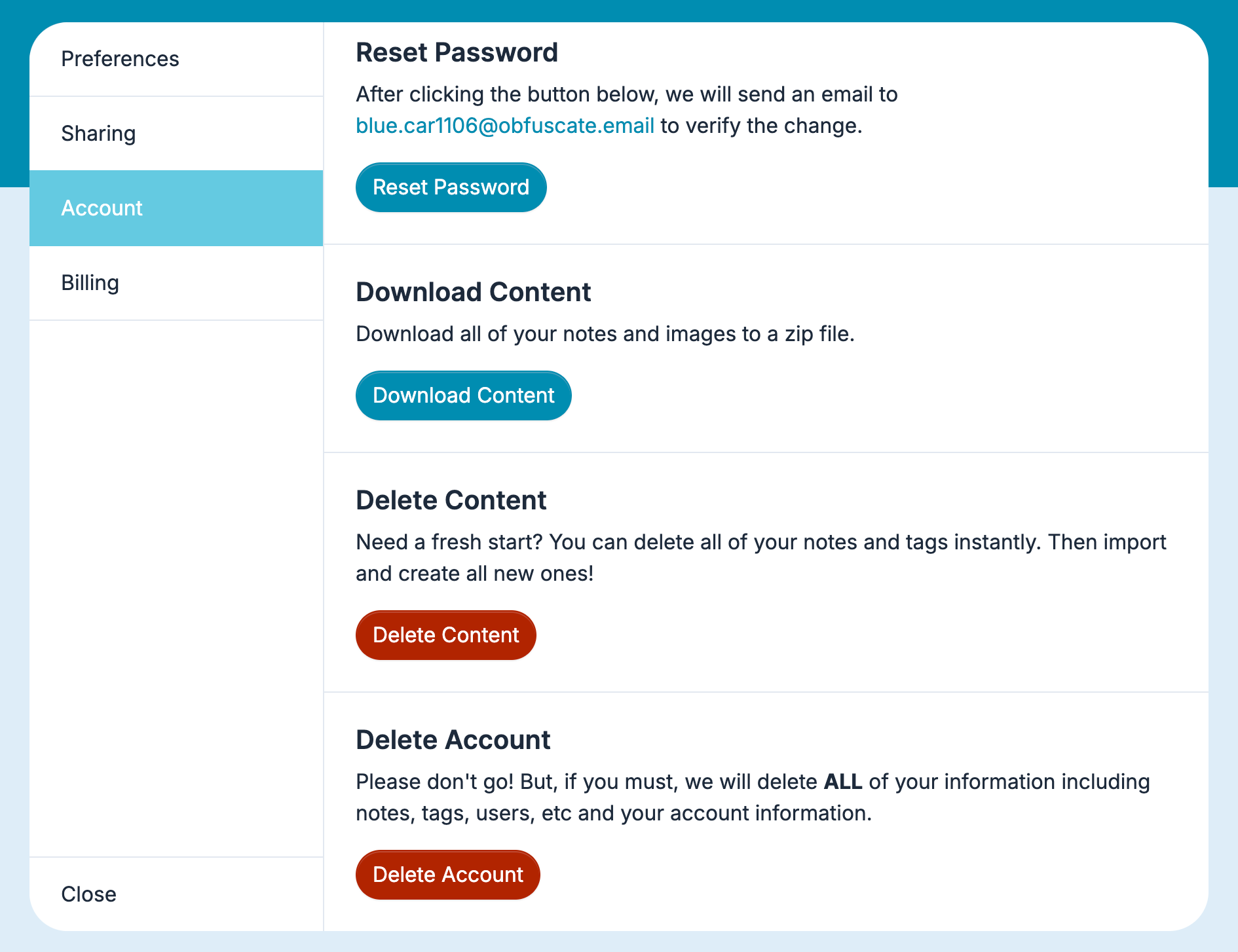
In Settings, select Account, scroll down to the bottom, and then click the Delete Account button.
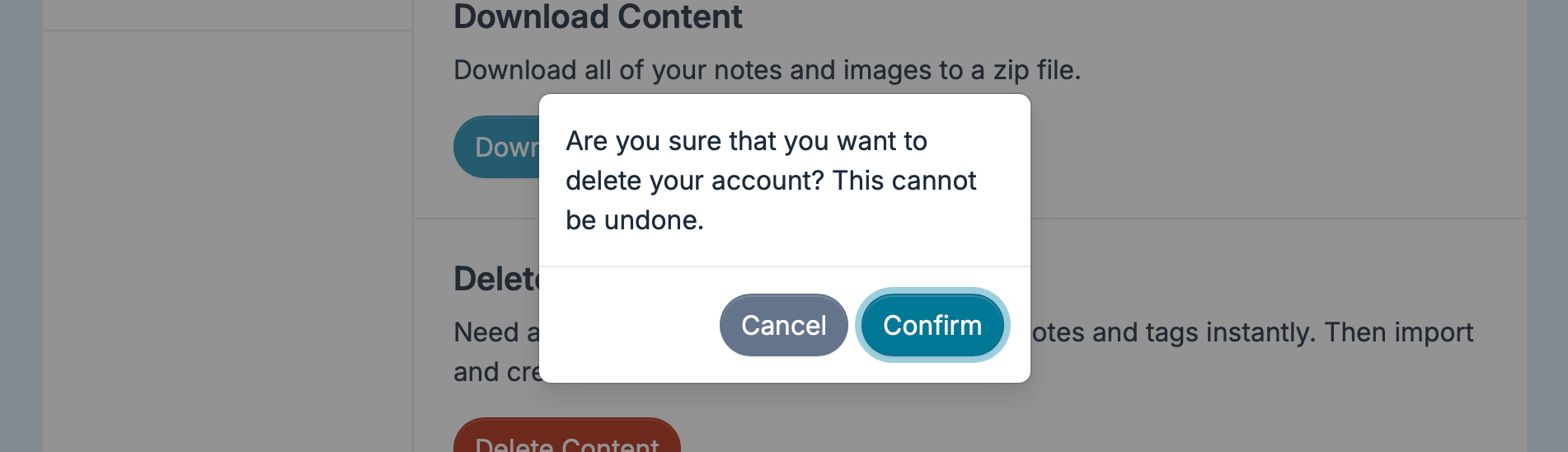
Click the Confirm button to permanently delete your account and all its data.