How to export notes
Recollect lets you export a single note in several formats, or download all of your notes and images at once for a backup or to move to another notes app.
Exporting a single note
Open a note, then click the download button in the footer at the bottom of the note. You can export the note as Markdown (.md), HTML (.html), Plain Text (.txt), or PDF (.pdf).
Download all notes and images
Click on the Gear icon and select Settings.
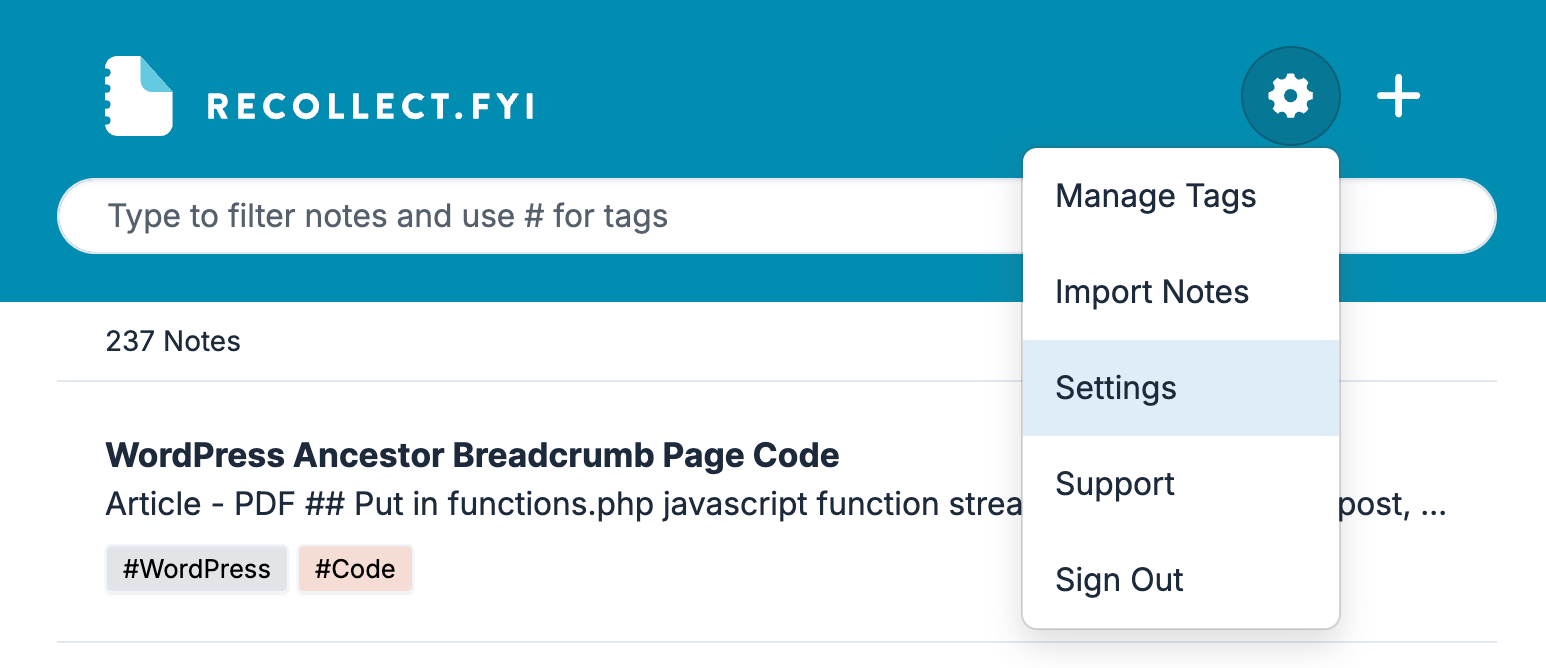
In Settings, navigate to Account, scroll down to the Download Content section, and then click the Download Content button.
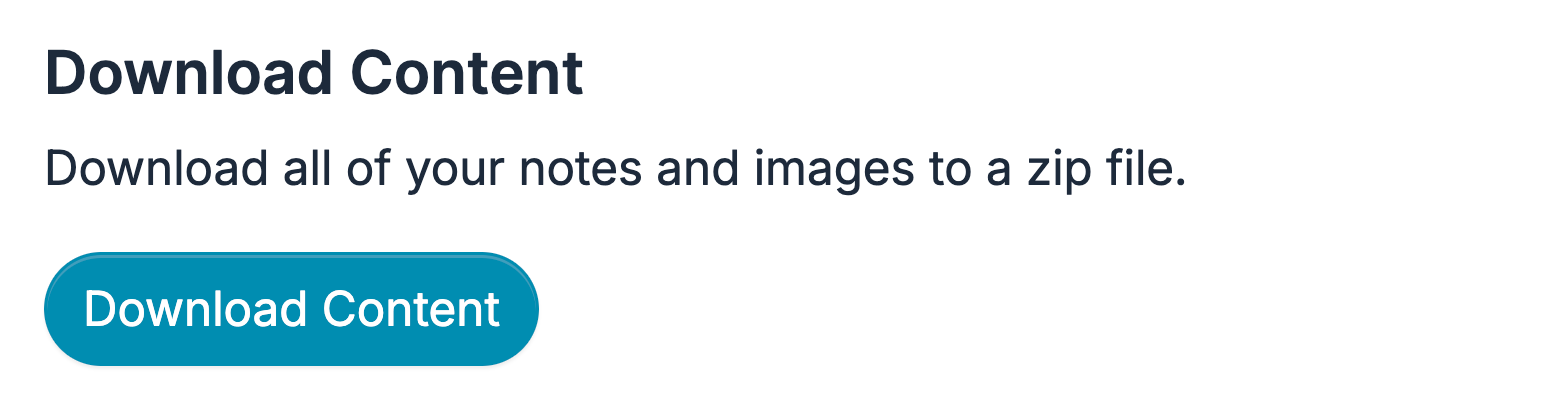
All of the notes will be exported in Markdown format along with the images associated with the notes, and then compressed into a single downloadable Zip file.