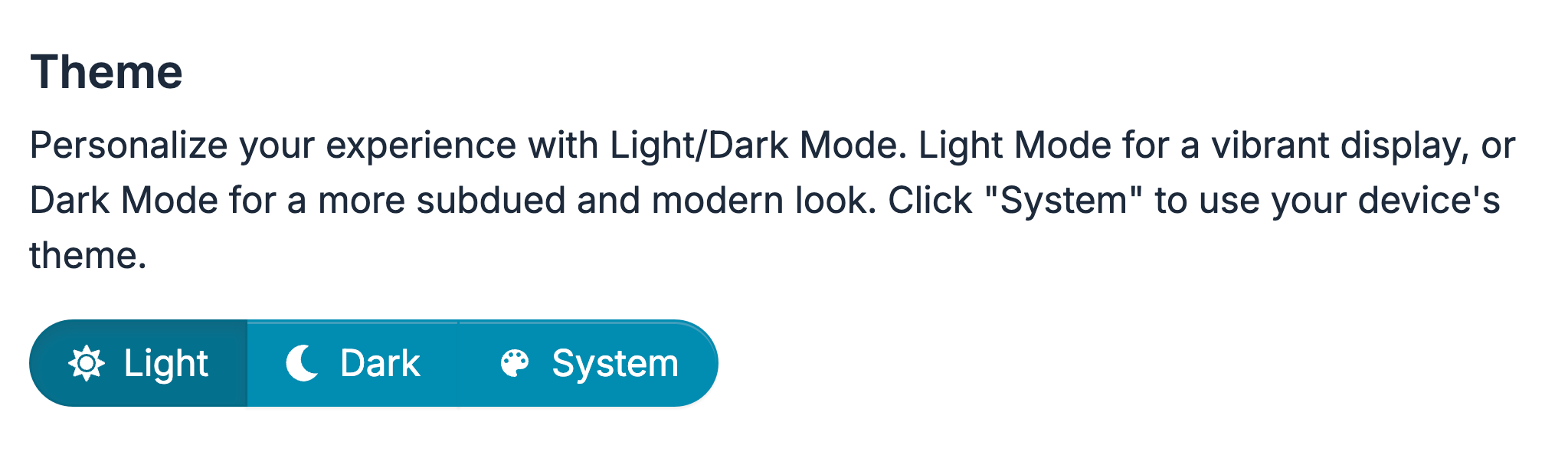
How to switch to Light or Dark mode
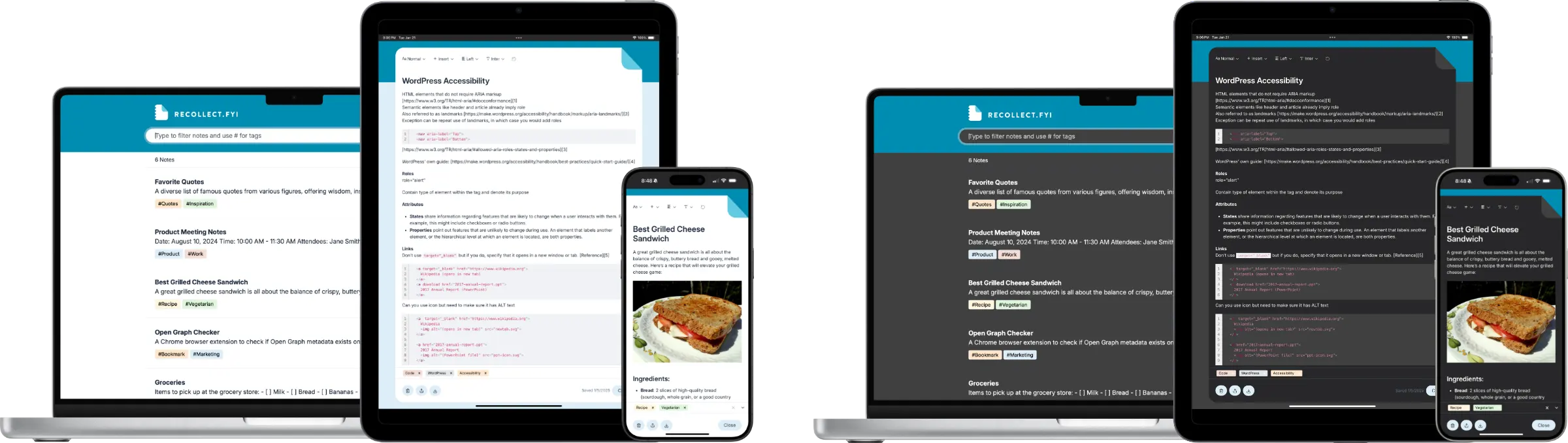
Recollect supports light and dark mode themes. There are three options for displaying themes:
- Light: Uses the light theme regardless of the device’s appearance settings.
- Dark: Uses the dark theme regardless of the device’s appearance settings.
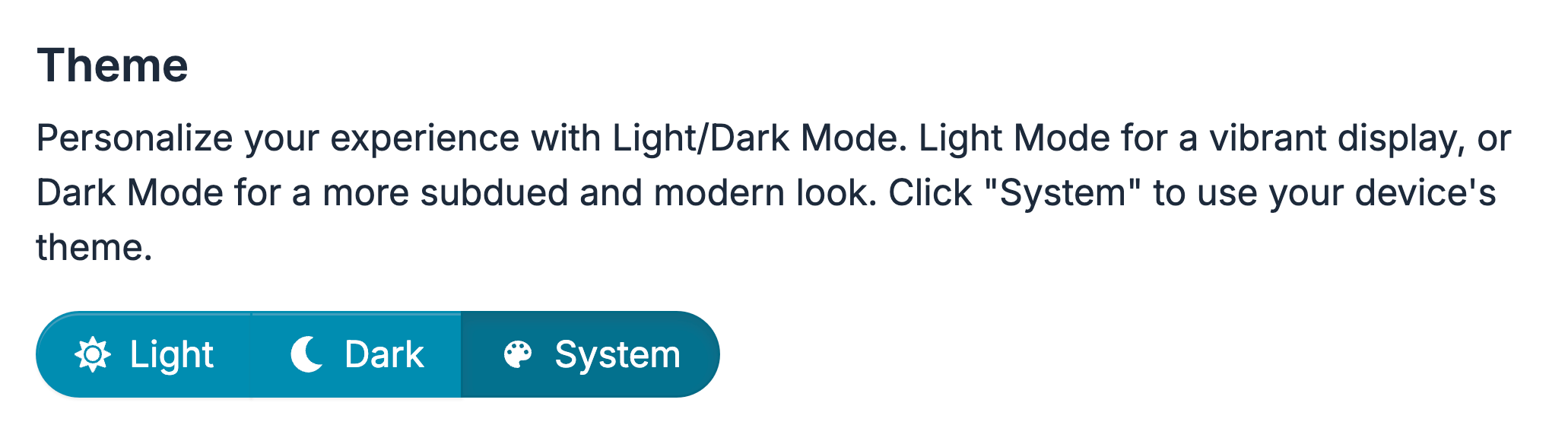
- System: Uses the theme specified in the device’s appearance settings.
Specifying light and dark mode preferences
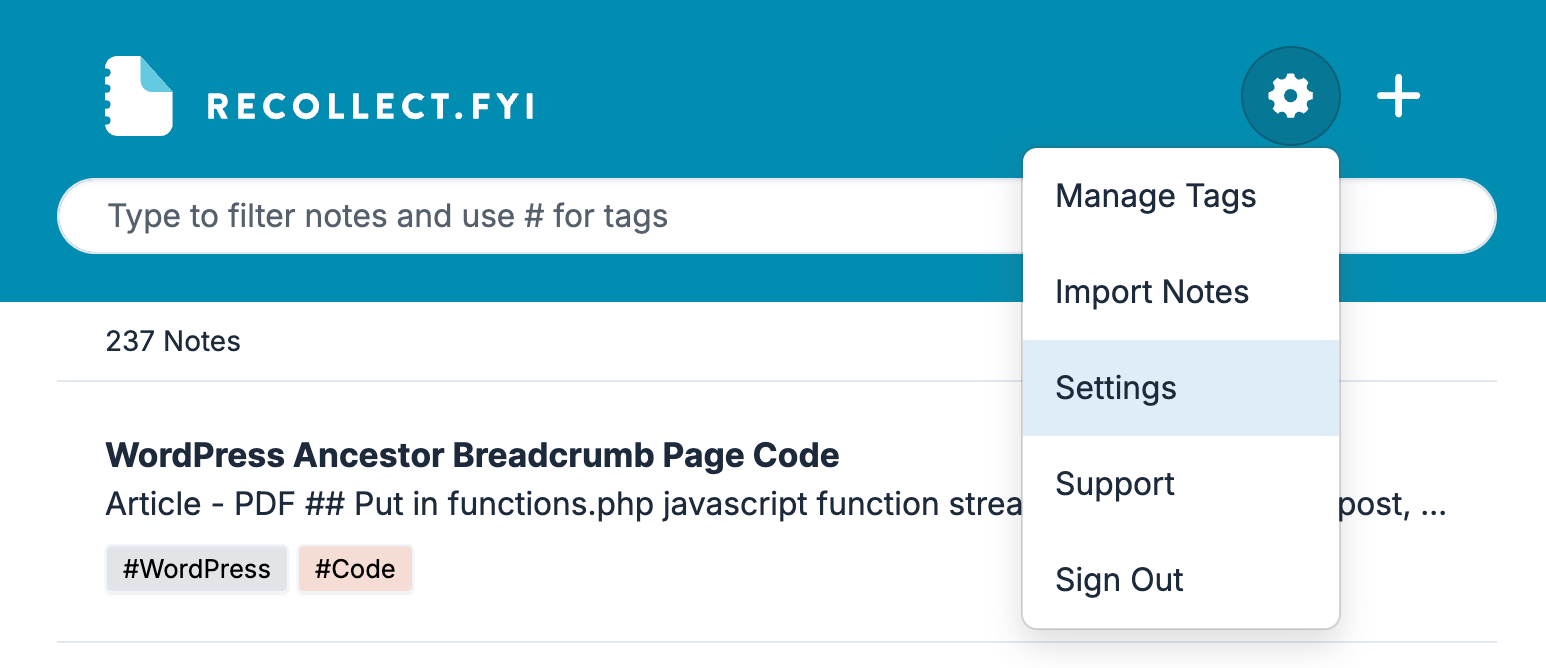
Click on the Gear icon and select Settings.
Find the Theme section in Preferences (the default view in Settings). Select System if you want Recollect to always use the appearance settings for the device. If the device’s appearance setting changes to dark or light, so will the Recollect theme.
Select Dark to make Recollect always use the dark theme, regardless of the device’s appearance settings.
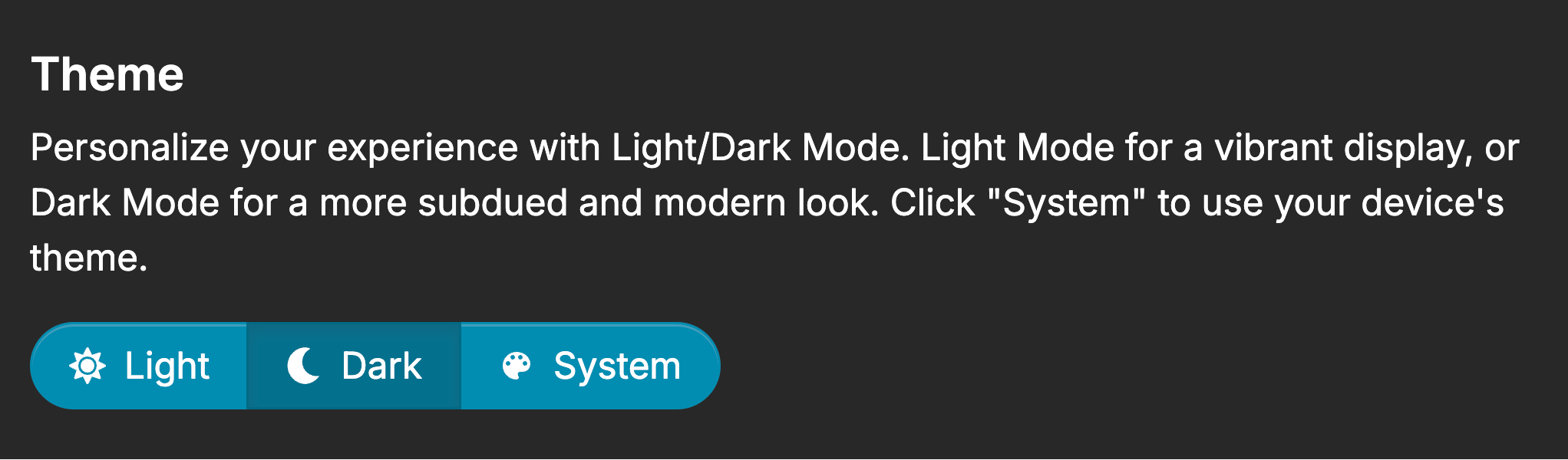
Select Light to make Recollect always use the light theme, regardless of the device’s appearance settings.