How to switch to Light or Dark mode
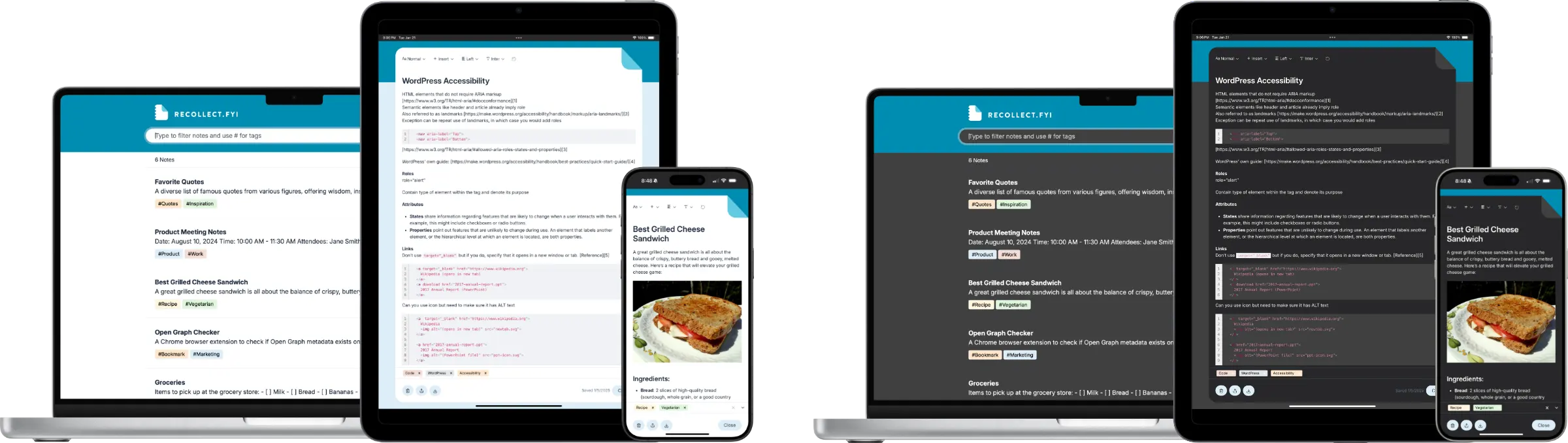
The Recollect Notes app shown in light theme on a laptop, tablet, and phone alongside the same screens in dark theme, displaying notes and a grilled cheese sandwich recipe.
Recollect displayed across a laptop, tablet, and phone in both light and dark themes, showing how the interface adapts to each appearance setting.

Recollect supports light and dark mode themes. There are three options for displaying themes:

  1. Light: Uses the light theme regardless of the device’s appearance settings.
  2. Dark: Uses the dark theme regardless of the device’s appearance settings.
  3. System: Uses the theme specified in the device’s appearance settings.

Specifying light and dark mode preferences

Click on the Gear icon and select Settings.
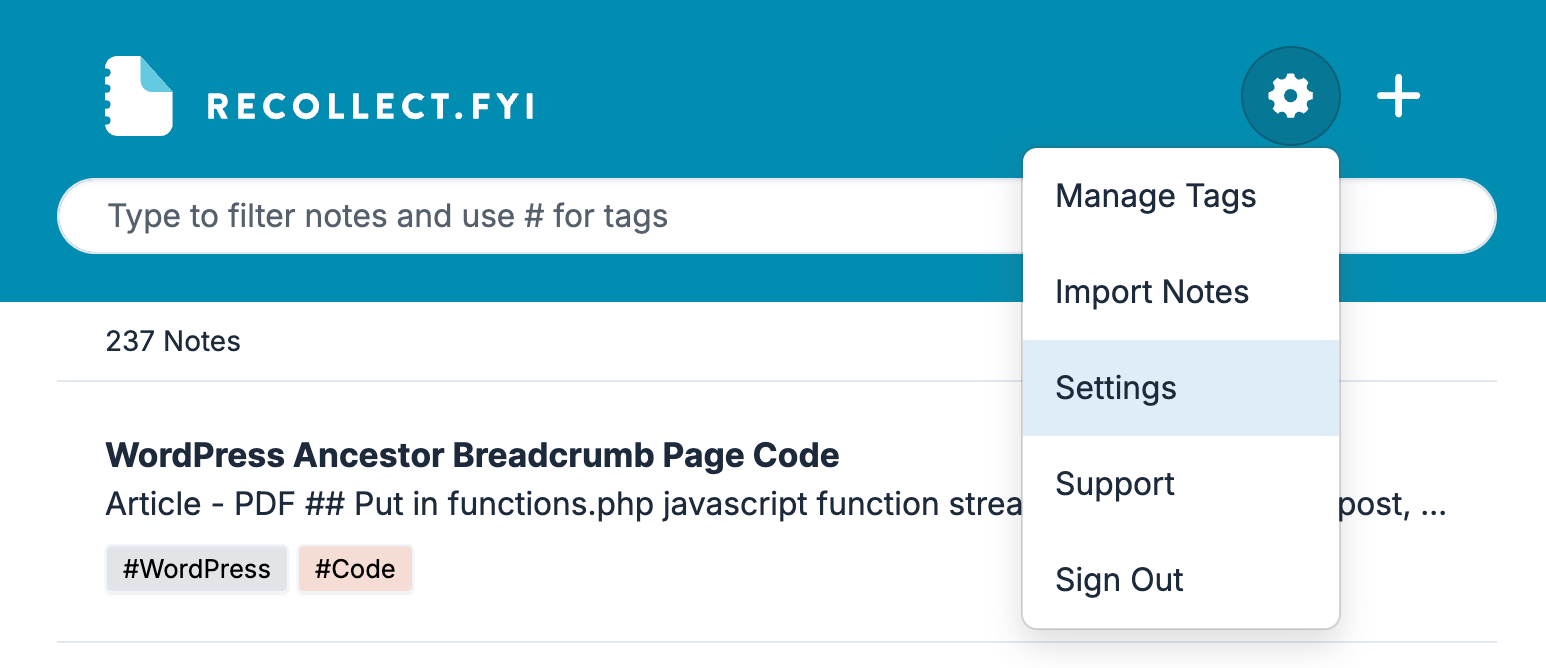
Screenshot of the Recollect app with the Gear icon menu open, showing Manage Tags, Import Notes, Settings highlighted, Support, and Sign Out.
Opening the Gear icon menu reveals the Settings option needed to reach your account controls.

Find the Theme section in Preferences (the default view in Settings). Select System if you want Recollect to always use the appearance settings for the device. If the device’s appearance setting changes to dark or light, so will the Recollect theme.
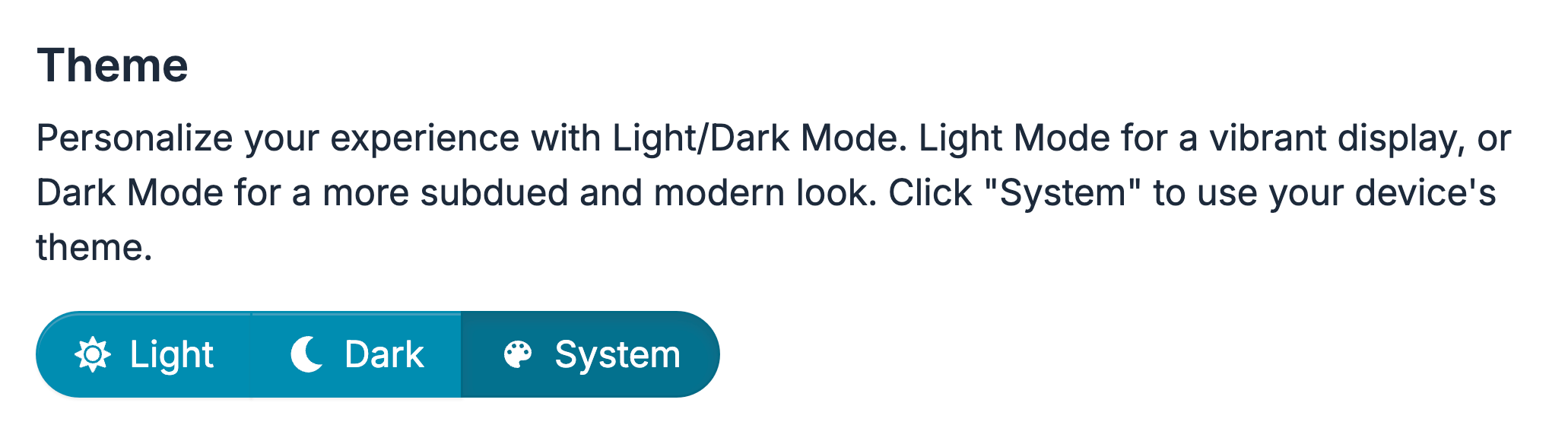
Screenshot of the Theme setting with a segmented toggle offering Light, Dark, and System, with System selected.
The Theme section in Recollect's Preferences, where System is currently chosen so the app follows the device's appearance settings.

Select Dark to make Recollect always use the dark theme, regardless of the device’s appearance settings.
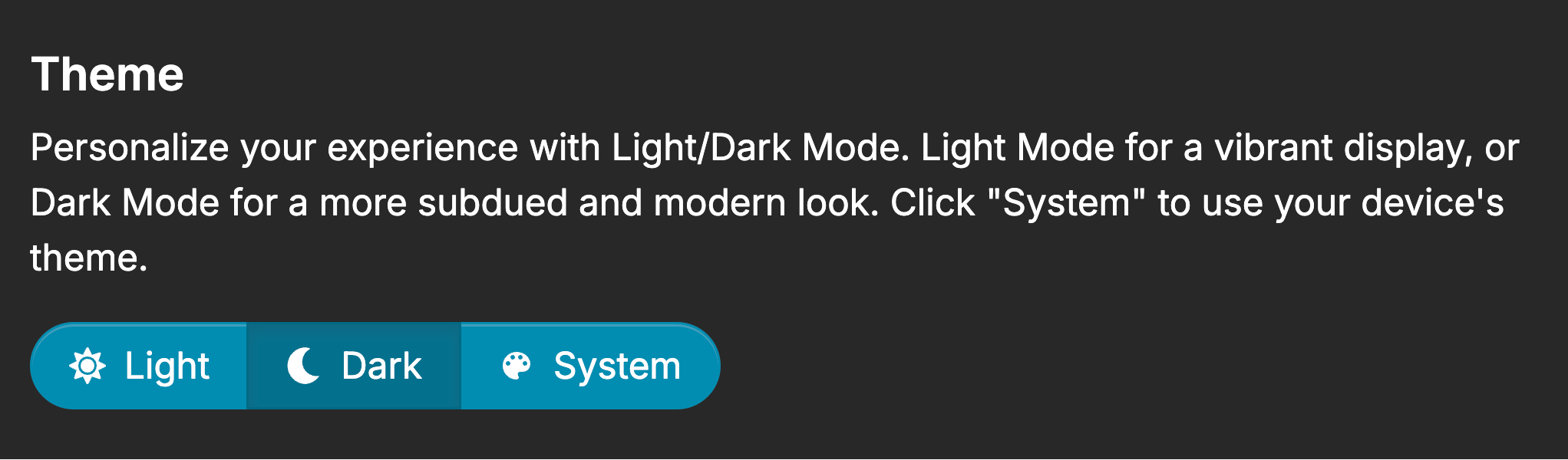
The Theme section of Recollect settings with three buttons: Light, Dark, and System. Text reads “Personalize your experience with Light/Dark Mode. Light Mode for a vibrant display, or Dark Mode for a more subdued and modern look. Click ‘System’ to use your device's theme.”
The Theme section in Recollect's Preferences offers Light, Dark, and System buttons for controlling the app's appearance.

Select Light to make Recollect always use the light theme, regardless of the device’s appearance settings.
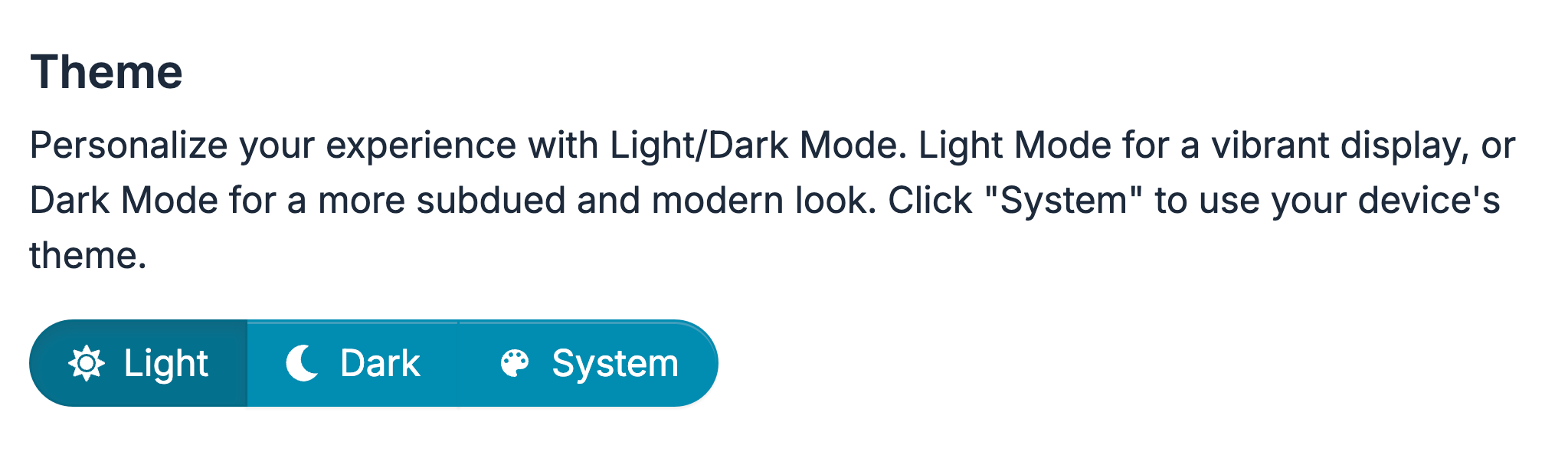
The Recollect Theme setting with a three-part toggle showing Light, Dark, and System, with Light selected.
The Theme section of Recollect's Preferences with Light chosen, forcing the app to always use the light theme.