How to export all notes
Recollect makes it easy to export all your notes, whether you want to make a backup or move to a different notes app.
Download all notes and images
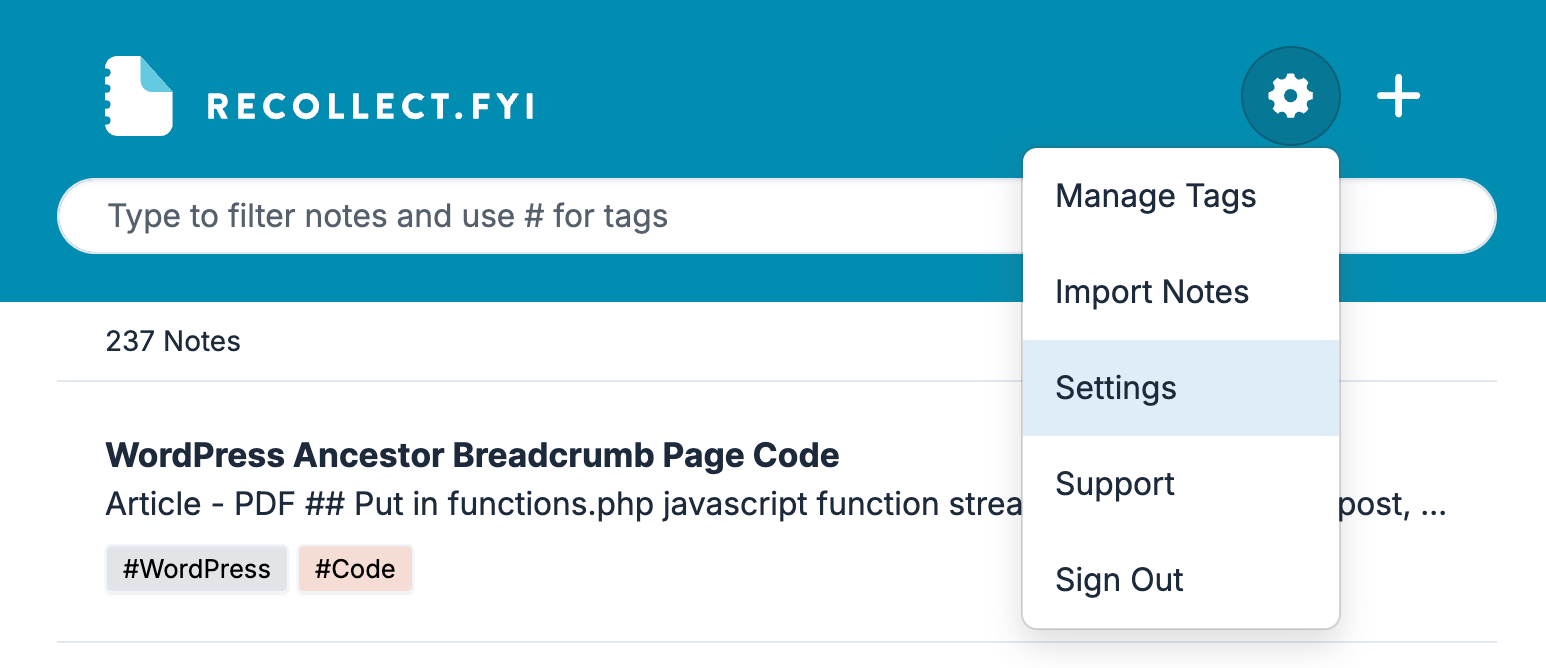
Click on the Gear icon and select Settings.
In Settings, navigate to Account, scroll down to the Download Content section, and then click the Download Content button.
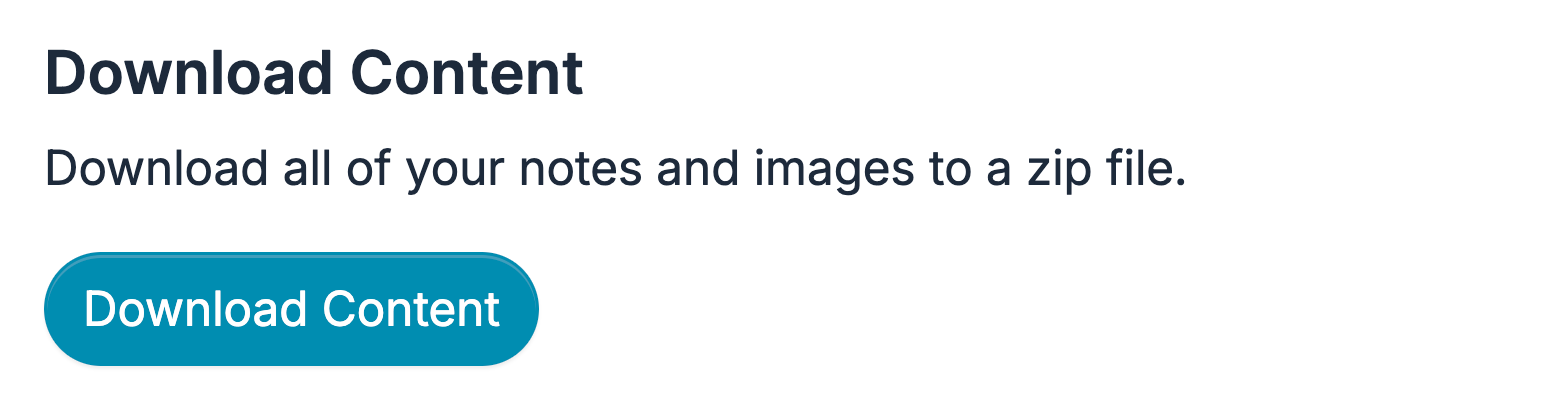
All of the notes will be exported in Markdown format along with the images associated with the notes, and then compressed into a single downloadable Zip file.