How to import notes
Recollect supports importing Markdown (.md) and plain text (.txt) files. The imported note’s hashtags will be converted to tags and associated with the note.
In the future, more file formats will be supported. The roadmap provides more details.
Importing notes
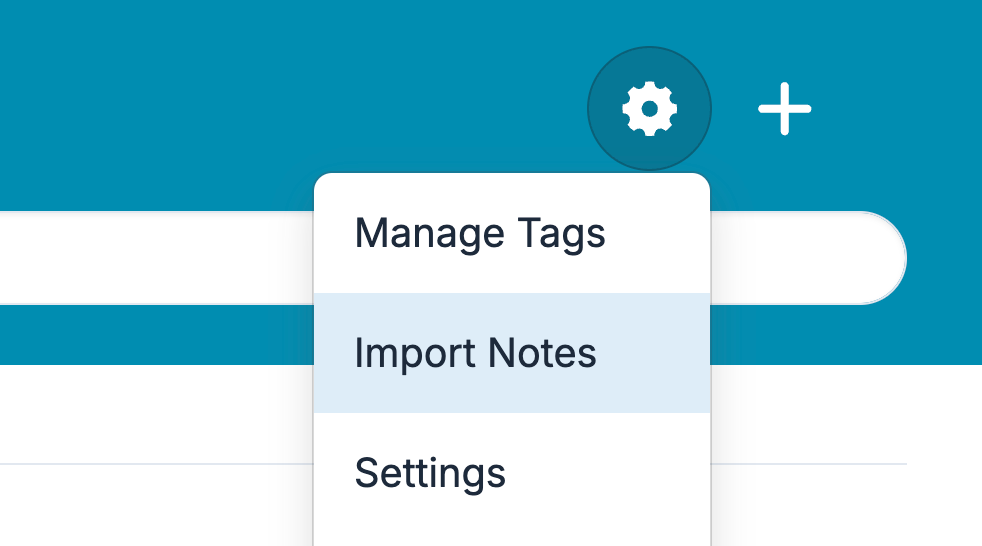
Click the Gear icon from the notes list view and select Import Notes.
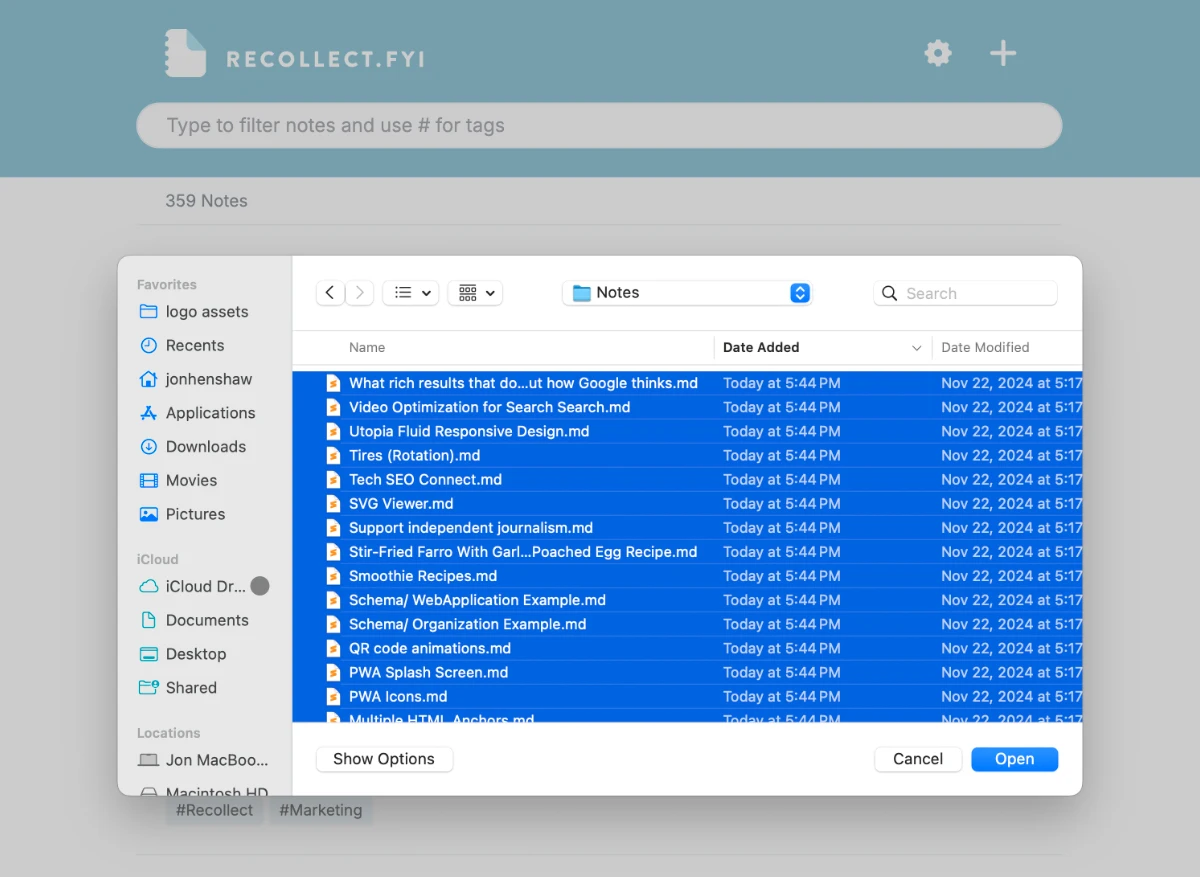
The system file manager will open. Find the note(s) you want to import, select them, and then click the Open button.
All notes will be immediately imported and appear in the notes list view.