How to use tags
Recollect is designed to find and recall information quickly. The minimalist notes app intentionally does not have folders and relies on filtering notes with keywords and tags to expedite finding notes.
Tags serve two purposes on Recollect. They are meant to be used traditionally to tag notes, but they’re also a replacement for folders. Therefore, when you add tags to notes, use them as a method for organization.
Filtering with tags
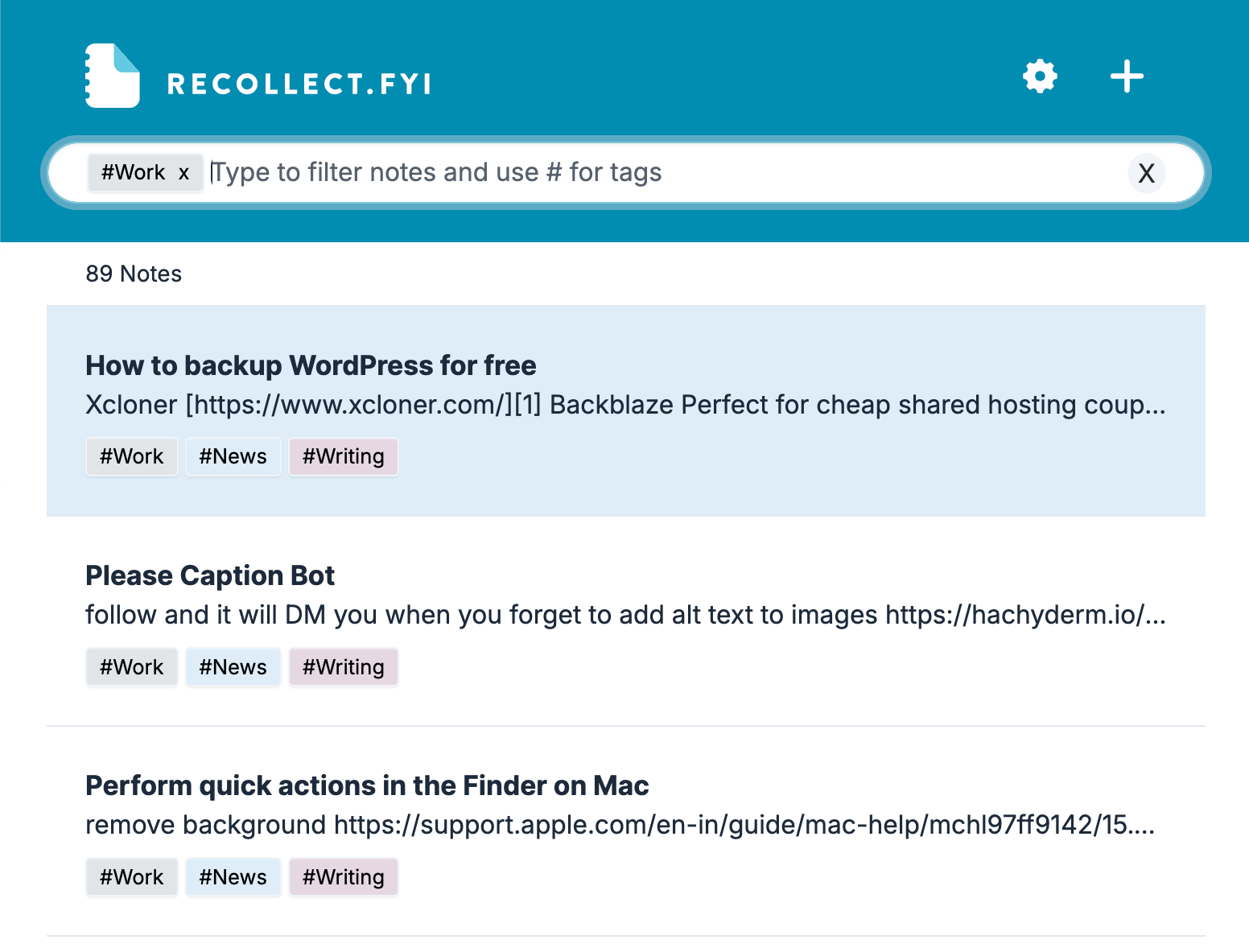
There are two ways to filter notes with tags. The first method is to type # and then the tag name. As you type, the tag list shortens only to display the tags that match your text.
The other method is to click on a tag in the notes list.
Using tags like a folder
Use tags to maintain a list of related notes for work or projects. For example, if you mark all work-related notes with the tag #work, you can then use Recollect on your work computer to view, browse, and quickly find work-related notes.
Next, learn how to manage tags, like renaming them, changing their colors, and deleting them.