How to manage tags
Tags can be created, renamed, changed color, and deleted in the Tag Manager located in Settings.
Using the Tag Manager
Click the Gear icon from the notes list view and select Manage Tags.

Finding and editing tags
Start typing the name of a tag to filter and find it.
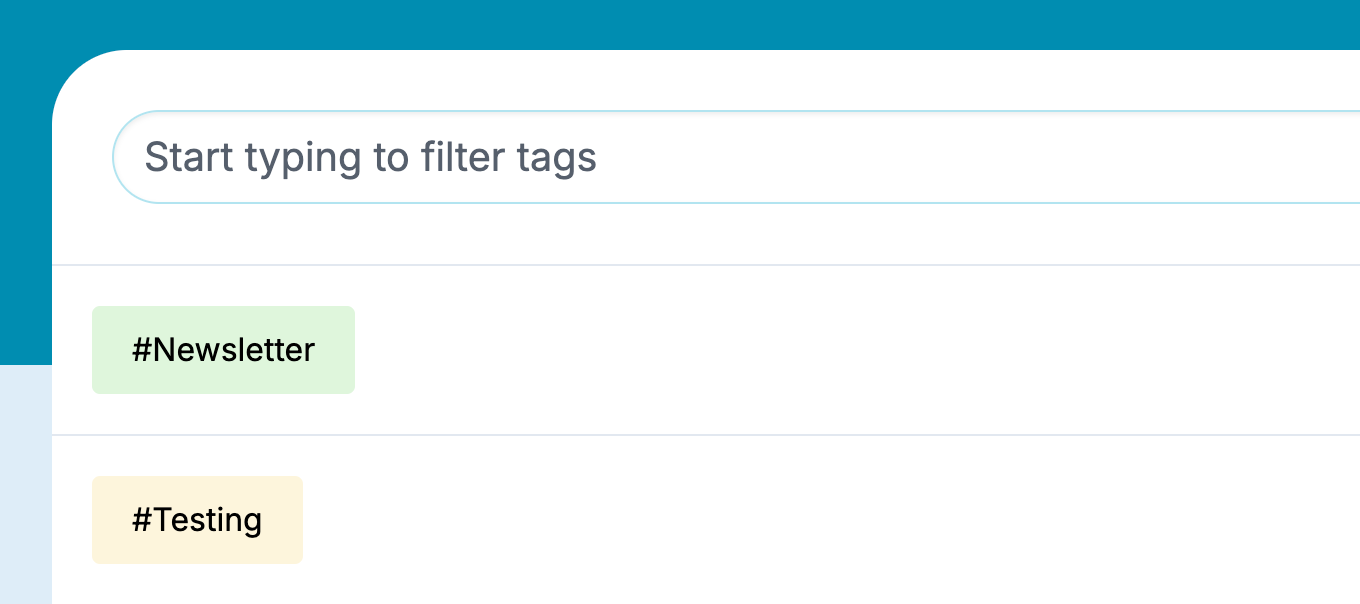
You can edit a tag by clicking on it and then renaming it or changing its color on the tag edit page. All changes will automatically appear on the notes the tag is associated with after you click the Save button.
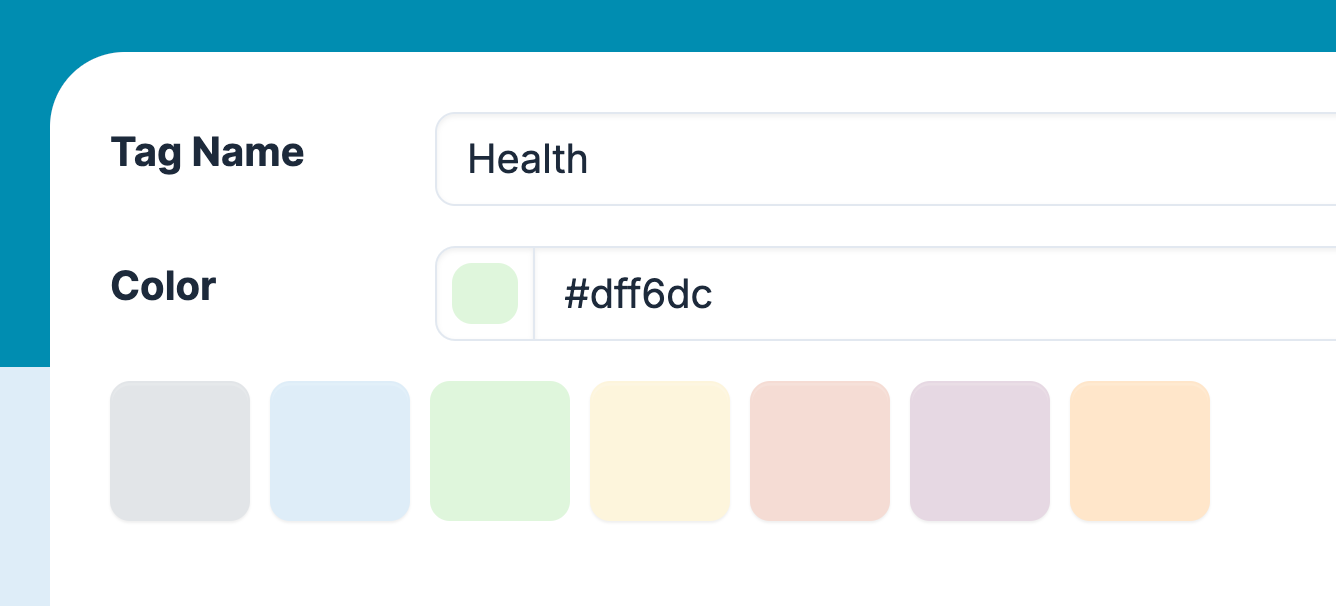
You can also delete a tag by clicking on the Trash button. Deleting a tag will automatically remove it from all of the notes it’s associated with.

Next, learn the best way to use tags.